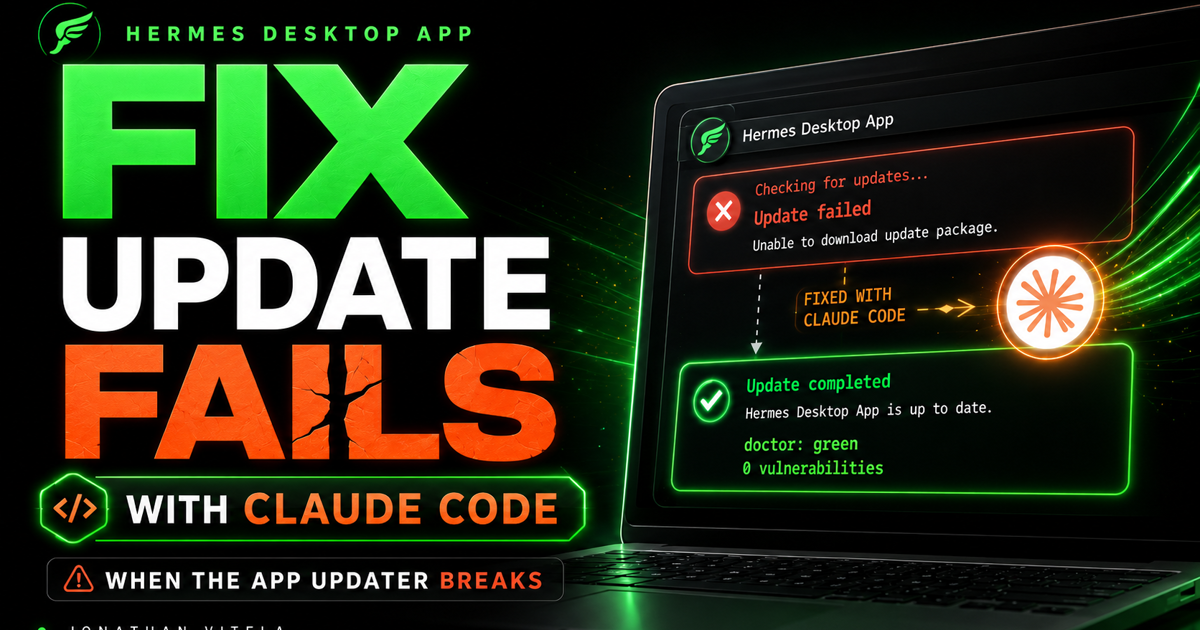
The one prompt
In a hurry? Give Claude Code this one prompt and it handles the rest: the backup, the update, the crash recovery, and the verification.
My Hermes Desktop App won't update after manually updating it 3 different times. Back the agent up then update, fixing any issues along the way.That is the exact prompt I used. Everything below explains what Claude Code actually does with it, and how to recover if your situation is different. If you just want the fix, the prompt above is it.
Prefer to watch?
Here is the full walkthrough in video form:
Why this guide exists
This is not a lab demo. My Hermes Desktop App, the local agent I run on my Mac, would not update itself. The updater built into the app just would not run, even after I tried it manually a few different times. Under the hood the install was far behind and sitting in a fragile state, which is exactly the kind of job I no longer do by hand.
So I delegated it. I gave Claude Code one clear instruction, let it do the heavy lifting, and verified the result. It updated the app from the command line, recovered on its own when the command-line updater crashed mid-install, and proved the agent was healthy before I trusted it again.
The principle: when an app cannot update itself, do not panic-reinstall. Treat it like production maintenance: back up, delegate the work to an agent with guardrails, and verify before you move on.
Who this is for
This is for people who run a local AI agent (Hermes, OpenClaw, or similar) and hit the same wall: the in-app updater fails, and you do not want to wipe the install and lose your config, auth, and memory.
It is most useful if you have an agent CLI available alongside the desktop app, a coding agent like Claude Code or Codex you can delegate to, and local config, environment, and auth files you cannot afford to lose.
If you are just experimenting, this may be more process than you need. If your setup is simpler, borrow the parts that fit: back up first, update deliberately, recover instead of reinstalling, and verify the boring parts.
Recommended path
If you are skimming first, this is the flow. The full guide explains why each step matters and what to do when the updater fails.
The setup
My setup is a Hermes Desktop App on a Mac, with the agent install living under a local home-directory folder, and Claude Code available as the coding agent I delegate maintenance to. Your exact paths will differ, but the pattern matters more than the names.
- Hermes Desktop App: the local agent, with a built-in updater that was failing.
- Hermes CLI: the command-line side of the same install, used to run the update the app could not.
- Claude Code: the coding agent I gave the job to. It ran the commands, handled the crash, and verified the result.
- Local state: config, environment, and auth files that must survive any update.
Replace paths with your own. The commands below show my style of workflow. Your home directory, install location, and config paths will not match mine.
How Claude Code fits into the update lane
Claude Code is not there to freelance during maintenance. I use it as the careful operator in the room: back up first, run the approved update, capture the exact error if something breaks, recover narrowly, and verify before returning the system to me.
- Before the update: Claude Code backs up config, environment, and auth, and records the current revision so there is a clean rollback point.
- During the update: it runs the approved CLI update with a backup flag and stops on the first real blocker.
- When something breaks: it captures the exact error instead of guessing, and separates "already done" from "still missing."
- For recovery: it finishes only the missing step by hand rather than reinstalling from scratch.
- After recovery: it verifies the agent loads, the doctor is green, and dependencies are clean.
The prompt matters. Tell the agent exactly what to back up, what to run, what to do on failure, and what it must not do (here: do not reinstall). During maintenance, the guardrails are the work.
Preflight checklist
Before you touch anything: know what state your install is in. If the app's own updater is failing, do not assume the cause. Confirm how far behind you are and whether the install is on a clean branch before you change anything.
hermes update --check
git -C ~/.hermes/hermes-agent status -s
git -C ~/.hermes/hermes-agent rev-parse HEAD
In my case the answer was clear: the install was 97 commits behind and sitting in a detached-HEAD git state, not even on a branch. That is exactly the kind of fragile starting point that makes a panic-reinstall tempting and dangerous.
What to back up before the update
Backups should be boring, explicit, and easy to find. Put the pre-update snapshot in one timestamped folder and include the files that would make your agent hard to recover if they changed.
- Config: the main config file that controls the agent.
- Environment: your local
.envand any provider settings. Never print secrets into a public log. - Auth: the auth/session file the agent depends on.
- Revision: the exact git revision you are updating from, written down.
mkdir -p ~/.hermes/backups/pre-update-YYYYMMDD

cp ~/.hermes/config.yaml ~/.hermes/.env ~/.hermes/auth.json \
  ~/.hermes/backups/pre-update-YYYYMMDD/

git -C ~/.hermes/hermes-agent rev-parse HEAD \
  > ~/.hermes/backups/pre-update-YYYYMMDD/git-rev-before.txt
The command shape matters more than the exact paths. Use your real paths, confirm the files exist in the backup folder, and only then move on.
The update lane
Since the in-app updater would not run, I ran the update from the CLI instead, and I asked for its own backup as a second safety net. Updating and trusting the result are two different risk points; I kept them separate.
hermes update --backup --yesThe updater made its own snapshot, switched the install off the detached-HEAD state onto the main branch, and pulled all 97 commits. Then, during the dependency reinstall, it crashed.
What broke
The updater crashed partway through with a ValueError, a bug in the updater itself, in the dependency-install step. This is the dangerous middle state: the new code had already been pulled, but the dependencies had not been reinstalled.
Important: this is where most people panic and reinstall from scratch. Do not. Stop and read the exact error first, and figure out what actually completed before the crash.
The key observation: the git pull had already succeeded. The install was on the latest code. Only the dependency reinstall was missing. That turns a scary crash into a single, narrow fix.
What fixed it
The fix was a sequence, not one magic command, and notably, it was not a reinstall.
- Confirm the code had already pulled to the latest revision.
- Finish only the missing step: reinstall dependencies by hand into the existing environment.
- Confirm what was actually missing (in my case, one small package).
- Verify the agent before trusting it.
~/.hermes/bin/uv pip install -e '.[all]' \
  --python ~/.hermes/hermes-agent/venv/bin/python
Result: the dependency sync completed and only one small package had actually been missing. The install was now on the latest version with a complete environment. No reinstall, nothing lost.
Verification
After an update I want proof in plain language. Not vibes. Not "it seems fine." Proof.
hermes doctor
npm audit- The agent loads cleanly and the virtual environment is active.
- The config version is up to date.
- The doctor reports green across the board.
- The dependency audit reports zero vulnerabilities.
What success looks like
Success should be easy to say in plain English. You are not done just because the code pulled. You are done when the working system is back.
- The app is updated to the latest version, on a real branch, no longer detached.
- Config, environment, and auth survived untouched.
- The doctor is green and dependencies are clean.
- You recovered from the crash instead of reinstalling.
- You kept the pre-update backup until you confirmed everything works.
Guardrails and prompts
These are intentionally strict. During maintenance, a good prompt is less about personality and more about preventing accidental scope creep, especially the urge to reinstall.
Update my Hermes Desktop App. Its built-in updater will not run.

Back up config, environment, and auth first, and record the current revision.
Run the update from the CLI with a backup flag.
If the updater crashes, stop and read the exact error.
If the code already pulled, finish only the missing step by hand.
Do not reinstall from scratch.
Verify with hermes doctor and a dependency audit before calling it done.
Rollback note: if the install cannot be repaired cleanly, restore from the pre-update config, environment, and auth snapshot and return to the recorded revision instead of stacking guesses.
What this guide does not cover
This guide is intentionally narrow. It is one real recovery lane, not a complete Hermes operations manual.
- It does not cover first-time Hermes installation.
- It does not cover every possible updater failure.
- It does not cover provider, API key, or messaging-platform configuration.
- It does not cover every operating system or environment difference.
- It does not cover remote or multi-machine agent fleets.
Lessons learned
The update was worth it, but it worked because Claude Code treated the process like maintenance, not curiosity. Every move had a checkpoint. The crash had a stop condition. The fix was verified before I trusted it.
- A crash is not a catastrophe. Read the error and find out what actually completed before you react.
- Recover, do not reinstall. If the code already pulled, finish the missing step. Do not wipe the install.
- Backups make you calm. They turn a scary failure into a solvable one.
- Verify the boring parts. A green doctor and a clean audit are the difference between "it ran" and "it works."
- Delegate with guardrails. Give the agent one clear job and keep the final approval for yourself.